
When it comes to managed WordPress hosting, choosing the right provider can significantly impact your website’s performance, security, and overall user experience. Two prominent names in the industry are WP Engine and Pressable, both offering high-quality hosting solutions tailored specifically for WordPress websites. While they share a common goal of providing seamless, reliable WordPress hosting, they differ in terms of infrastructure, features, pricing, and support.
WP Engine is often regarded as a top-tier hosting provider, especially for businesses and agencies that require scalability, robust security, and advanced developer tools. It’s well-known for its performance and infrastructure, utilizing the power of Google Cloud, AWS, and Azure to ensure high availability and speed. On the other hand, Pressable offers a more budget-friendly option with a simplified feature set, making it appealing to smaller businesses or individuals with less complex needs.
In this comparison, we’ll dive deep into the differences between WP Engine and Pressable, highlighting why WP Engine consistently emerges as the superior choice for most businesses.
From performance and security to customer support and pricing, we’ll explore how WP Engine outshines Pressable in every aspect, providing a comprehensive overview of each platform’s strengths and weaknesses. Whether you’re a developer, business owner, or agency, this guide will help you make an informed decision about which hosting service best suits your needs.
WP Engine Overview
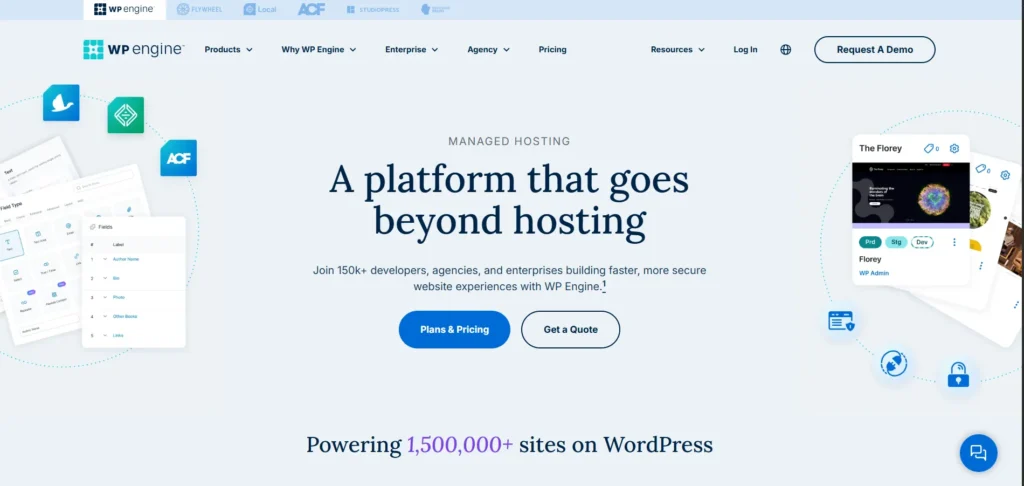
WP Engine is a premium managed WordPress hosting provider known for its high-performance infrastructure, robust security features, and exceptional customer support. Founded in 2010 and headquartered in Austin, Texas, WP Engine has become a trusted platform for over 1.5 million websites across 150 countries .
Key Features
- Performance & Infrastructure: WP Engine leverages the Google Cloud Platform and Amazon Web Services to deliver fast and reliable hosting. Their proprietary caching system, EverCache, optimizes site speed, while a global Content Delivery Network (CDN) ensures quick content delivery worldwide .
- Security: The platform offers enterprise-grade security measures, including automated daily backups, malware detection, and a Web Application Firewall (WAF). These features help protect websites from potential threats and ensure data integrity .
- Developer Tools: WP Engine provides advanced tools such as staging environments, Git integration, SSH access, and WP-CLI support. These tools facilitate efficient development workflows and site management .
- Customer Support: The company offers 24/7 customer support through live chat and ticketing systems. Higher-tier plans include phone support, and their support team is known for handling complex WordPress queries effectively .
- Pricing: WP Engine’s pricing starts at $25/month for the Startup plan, which includes 10GB storage and 50GB bandwidth. Higher-tier plans offer more resources and additional features. While WP Engine’s plans are priced higher than some competitors, they offer a broader range of features and tools that justify the cost for businesses and agencies .
Pressable Overview
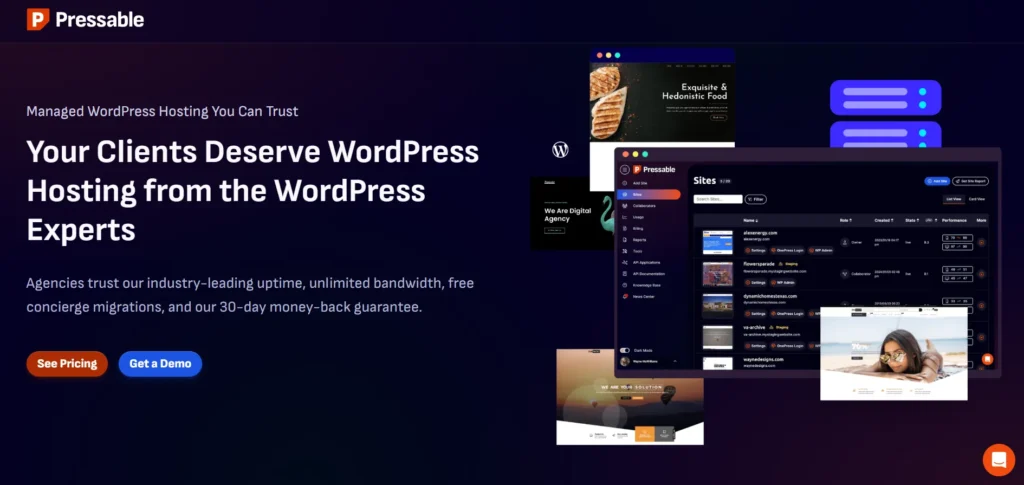
Pressable is a managed WordPress hosting provider designed to deliver high-performance, secure, and scalable hosting solutions tailored for WordPress users. Whether you’re an agency, developer, or business owner, Pressable aims to simplify website management by handling the technical complexities, allowing you to focus on content creation and business growth.
Key Features
- Performance Optimization: Pressable leverages a global content delivery network (CDN) with over 28 data centers worldwide, ensuring fast load times and low latency for visitors across the globe. Their infrastructure is built on NVMe-powered servers, offering quick data access and improved site performance .
- Security Measures: All Pressable plans include Jetpack Security Daily at no additional cost. This includes features like malware scanning, web application firewall (WAF), and DDoS protection, safeguarding your site from various online threats .
- Developer Tools: Pressable provides essential developer tools such as SSH access, WP-CLI, Git integration, and staging environments. These tools facilitate efficient development workflows and site management .
- Scalability and Reliability: With auto-scaling capabilities and a 100% uptime guarantee, Pressable ensures that your site remains accessible even during traffic spikes. Their infrastructure is designed to handle high-traffic events seamlessly .
- User-Friendly Dashboard: The MyPressable control panel offers an intuitive interface for managing your WordPress sites. It provides easy access to site data, backups, performance monitoring, and more, streamlining site management tasks.
1. Performance and Infrastructure
WP Engine
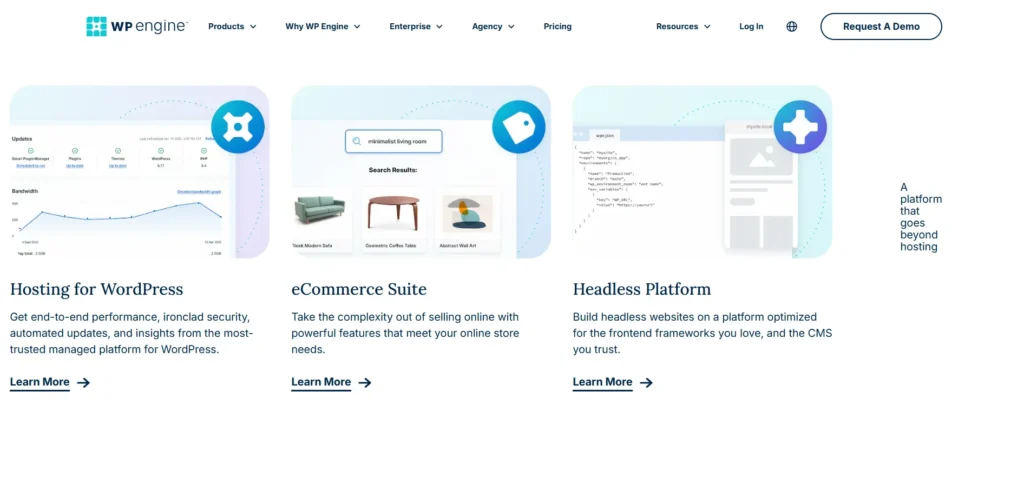
WP Engine leverages top-tier infrastructure, hosting websites on the Google Cloud Platform, AWS, and Azure. This multi-cloud approach ensures high availability and scalability. Their proprietary caching system, EverCache, is designed to handle high traffic efficiently, delivering fast and reliable performance. Additionally, WP Engine offers a global Content Delivery Network (CDN) and multiple data center locations across North America, Europe, Asia, and Australia, allowing users to choose the closest server to their audience for optimal speed.
Pressable
Pressable, while also offering solid performance, operates on a more limited infrastructure. They utilize NGINX web servers and provide a free CDN through Jetpack. However, their data center locations are fewer, and their infrastructure doesn’t match the scale and redundancy of WP Engine’s multi-cloud setup. This can impact performance, especially for high-traffic sites or those with a global audience.
Verdict: WP Engine’s advanced infrastructure and global reach give it a clear edge in performance and scalability.
2. Features and Tools
WP Engine
WP Engine offers a comprehensive suite of features tailored for developers and agencies. These include:
- Genesis Framework: A premium theme framework included with all plans, providing a solid foundation for building customizable websites.
- Local Development Tool: A local development environment that integrates seamlessly with WP Engine, streamlining the development and testing process.
- Staging and Development Environments: Three separate environments (development, staging, production) for safe testing and deployment.
- Advanced Developer Tools: Git integration, SSH access, WP-CLI support, and containerized infrastructure for complex workflows.
- WooCommerce Optimizations: Enhanced performance features for eCommerce sites, including Instant Store Search and Stripe Connect Checkout.
Pressable
Pressable provides essential features suitable for small to medium-sized websites:
- Jetpack Security Daily: Includes real-time backups, malware scanning, and spam protection.
- Staging Environment: One-click staging site for testing changes before going live.
- Developer Tools: Git integration, SFTP, SSH, and WP-CLI access.
- Unlimited Bandwidth: No overage charges for exceeding bandwidth limits.
While Pressable offers a solid set of tools, they lack some of the advanced features and developer-centric tools that WP Engine provides.
Verdict: WP Engine’s extensive feature set and developer tools make it a more versatile choice for complex projects.
3. Security and Backups
WP Engine
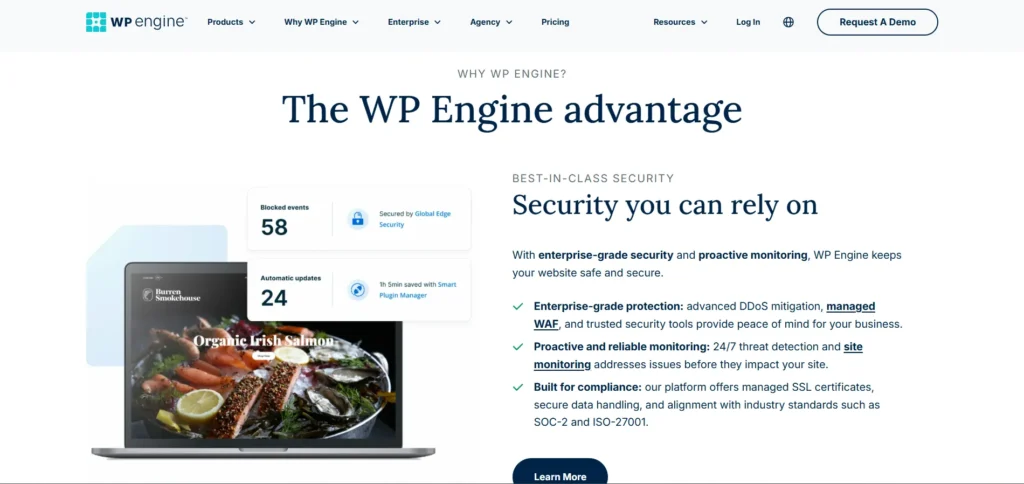
WP Engine prioritizes security with features like:
- EverCache: Built-in caching system designed to handle high traffic efficiently and deliver fast, reliable performance.
- Cloudflare CDN Integration: Speed up content delivery and enhance security.
- Page-Level Performance Insights: Offers detailed analytics to help improve website speed.
- Daily Automatic Backups: Regular backups to ensure data safety.
- Real-Time Threat Detection: Quickly detects and resolves potential security vulnerabilities.
Pressable
Pressable also emphasizes security, offering:
- Jetpack Security Daily: Provides malware scanning, spam protection, and safeguards against brute-force attacks.
- Daily and Hourly Backups: Ensure regular data backups, making it easy to restore when needed.
- Web Application Firewall (WAF): Protection against common online threats to ensure website security.
- DDoS Protection: Helps prevent and reduce the impact of distributed denial of service attacks.
Both platforms offer robust security measures, but WP Engine’s integration with Cloudflare and advanced threat detection provides an added layer of protection.
Verdict: WP Engine’s advanced security features offer enhanced protection for websites.
4. Customer Support
WP Engine
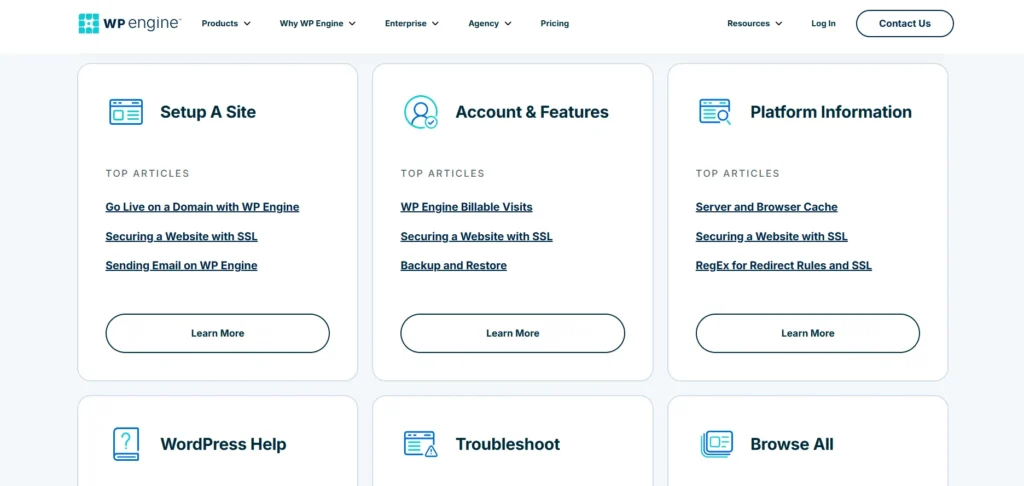
WP Engine provides 24/7 support through live chat and ticketing systems. Higher-tier plans include phone support, and their support team is known for handling complex WordPress queries effectively. They also offer a comprehensive knowledge base and resources to assist users.
Pressable
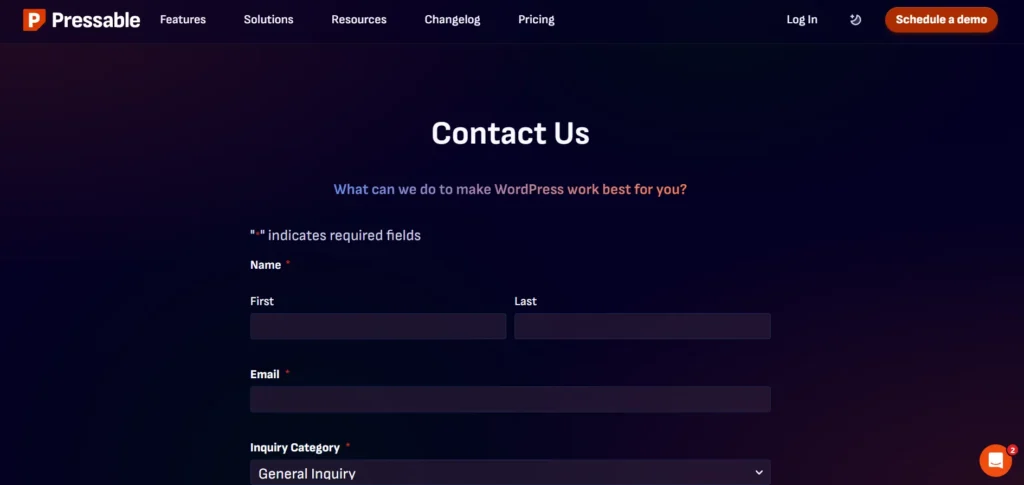
Pressable offers 24/7 live chat and ticket support for all plans, with response times typically under a minute. They also provide onboarding assistance and a comprehensive knowledge base. However, phone support is not available, which might be a limitation for some users.
Verdict: WP Engine’s multi-channel support, including phone assistance, offers more comprehensive customer service options.
5. Pricing and Value
WP Engine
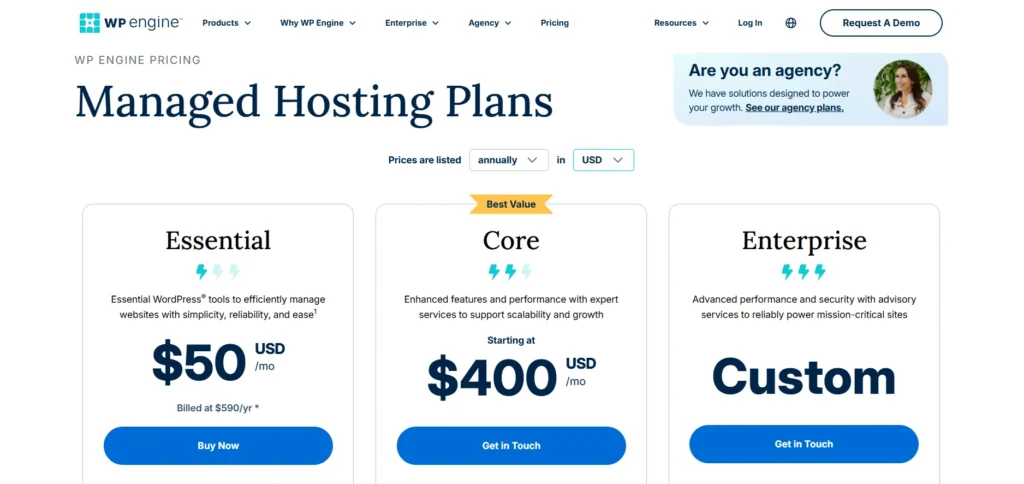
WP Engine’s pricing starts at $20/month for the Startup plan, which includes 10GB storage and 50GB bandwidth. Higher-tier plans offer more resources and additional features. While WP Engine’s plans are priced higher than Pressable’s, they offer a broader range of features and tools that justify the cost for businesses and agencies.
Pressable
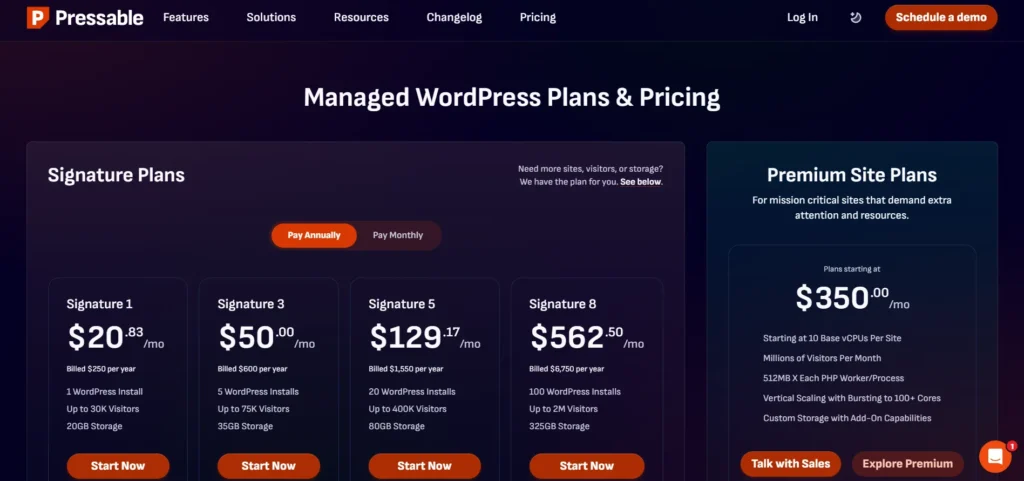
Pressable’s pricing starts at $25/month for the Personal plan, which includes 20GB storage and 30,000 monthly visits. Their plans are more straightforward, with fewer add-ons and additional costs. This makes Pressable an attractive option for small businesses or individuals with simpler hosting needs.
Verdict: While Pressable offers more affordable plans, WP Engine provides greater value through its extensive features and tools.
6. Ideal Use Cases
WP Engine
WP Engine is ideal for:
- Agencies and Developers: With its advanced tools and staging environments, it’s perfect for teams handling multiple client projects.
- High-Traffic Websites: The robust infrastructure supports websites with significant traffic and global audiences.
- E-commerce Sites: WooCommerce optimizations ensure smooth operations for online stores.
Pressable
Pressable is suitable for:
- Small to Medium-Sized Websites: Individuals or businesses with straightforward hosting needs.
- Budget-Conscious Users: Those seeking reliable hosting without the need for advanced features.
- Users Preferring Simplicity: With its user-friendly interface, it’s great for those new to WordPress hosting.
Conclusion
When comparing WP Engine and Pressable, WP Engine clearly stands out in several critical areas, making it the better choice for most businesses, developers, and agencies.
First, performance is one of WP Engine’s strongest advantages. With its multi-cloud infrastructure leveraging Google Cloud, AWS, and Azure, it ensures unmatched speed, scalability, and reliability. The proprietary EverCache system and global CDN provide fast load times even during traffic spikes. Pressable, while offering solid performance, doesn’t match WP Engine’s level of infrastructure and scalability.
In terms of features, WP Engine offers a wide range of tools designed for developers, including advanced staging environments, Git integration, SSH access, and WP-CLI support. These features, paired with its Genesis Framework, make WP Engine ideal for agencies and developers handling complex, high-traffic websites. Pressable provides the basics, but it lacks the same level of customization and developer-focused tools.
When it comes to security, WP Engine goes above and beyond with its real-time threat detection, Cloudflare CDN integration, and robust backup system. This multi-layered security approach ensures that your website is protected from threats. Pressable does offer essential security features, but WP Engine’s advanced offerings are more comprehensive.
Lastly, customer support is another area where WP Engine excels. With 24/7 live chat, phone support for higher-tier plans, and a reputation for handling complex queries efficiently, WP Engine offers unparalleled customer service.
In summary, WP Engine’s superior infrastructure, developer tools, security, and support make it the clear winner in the managed WordPress hosting space.
FAQs
How do I choose the right size chandelier for my room?
The size of your chandelier should be proportional to the size of the room. A common rule is to add the room’s length and width in feet to determine the ideal chandelier diameter. For example, if a room is 12×15 feet, the ideal chandelier diameter would be 27 inches (12 + 15 = 27). Additionally, consider the height of the ceiling and ensure the chandelier hangs at an appropriate level (typically 30–36 inches above a dining table).
Can I install a chandelier in any room of the house?
Yes, chandeliers can be installed in nearly any room, but they are most commonly used in living rooms, dining rooms, entryways, and bedrooms. It’s important to consider the style, scale, and function of the space to ensure the chandelier complements the room’s design and provides the right amount of light.
How do I clean a chandelier properly?
To clean a chandelier, first, turn off the power and cover the area beneath with a drop cloth. Use a soft cloth or duster to remove dust from the arms and crystals. For a deeper clean, use a glass cleaner or mild soapy water. For crystal chandeliers, a specific crystal cleaning solution can enhance their shine. Always avoid harsh chemicals that might damage the finish.
How much light output should my chandelier provide?
The amount of light a chandelier should produce depends on the room’s size and purpose. A general guideline is to aim for 20 lumens per square foot in a living or dining area. The wattage of the bulbs used in the chandelier, as well as the number of bulbs, will affect the total light output.
Can I install a chandelier on a sloped ceiling?
Yes, many chandeliers can be installed on sloped or vaulted ceilings. There are special mounting kits and adjustable chain lengths that allow the chandelier to hang straight, even if the ceiling is angled. If you’re unsure, consult a professional to ensure the installation is safe and secure.