
Project management is one of the most essential tasks for teams in businesses of all sizes. Efficient project management helps ensure that everything runs smoothly, on schedule, and within budget. In today’s digital age, project management software has become a must-have tool for teams to stay organized, communicate effectively, and track the progress of their tasks and projects.
One such tool that has gained massive popularity over the years is monday.com. With its clean interface, powerful features, and ease of use, monday.com has quickly become one of the top project management platforms. But is it still the best choice in 2025? In this in-depth review, we will take a look at its features, ease of use, collaboration tools, pricing, and more to help you decide if it’s the right project management solution for your team.
Overview
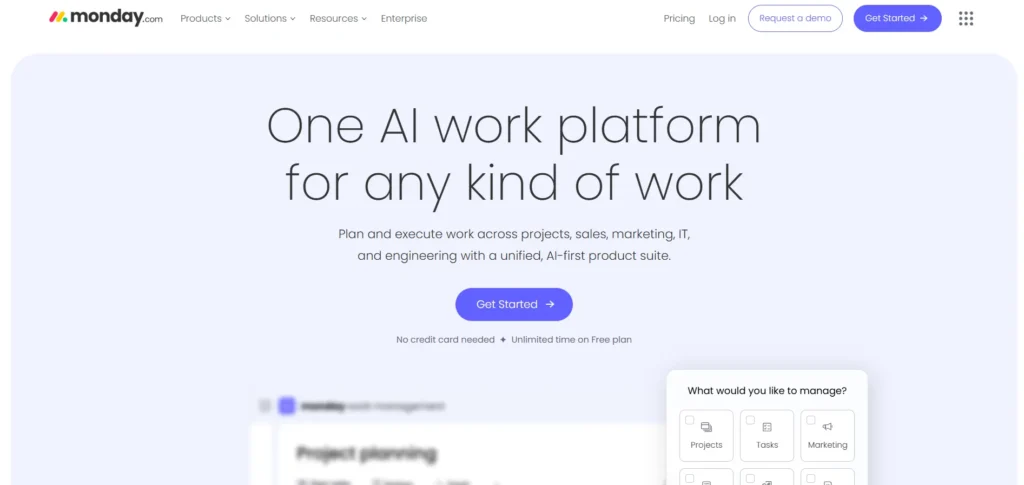
monday.com is a cloud-based project management tool designed to streamline team collaboration and project tracking. With its highly visual interface, monday.com provides an intuitive and flexible platform that is suitable for teams of all sizes and industries. It allows you to manage everything from day-to-day tasks to large, complex projects. The platform’s strength lies in its simplicity, combined with a range of powerful features that cater to both small teams and enterprise-level organizations.
In terms of popularity, monday.com has gained a loyal user base across a wide array of industries including technology, marketing, education, and healthcare. Whether you’re in charge of a small startup or managing a large corporate team, monday.com provides you with everything you need to ensure your projects run smoothly.
Features
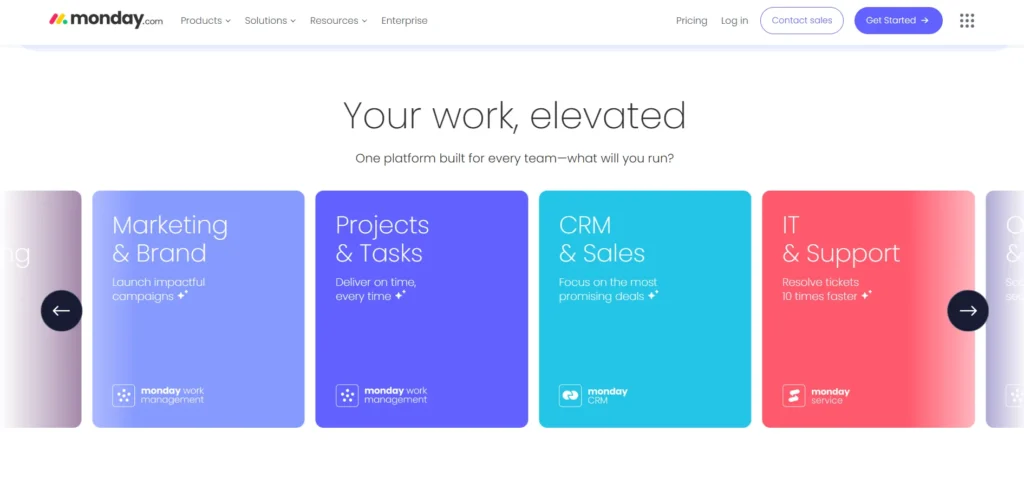
monday.com Has (Almost) Everything You Need
monday.com offers a vast array of features that make it a robust project management tool. Here’s a look at some of its standout features:
- Task Management: Organize tasks by creating lists, assigning them to team members, and setting deadlines. The tasks can be tracked easily, ensuring that everything gets done on time.
- Time Tracking: monday.com’s time tracking feature allows teams to track the time spent on tasks and projects. This feature is particularly helpful for understanding how time is being spent and identifying bottlenecks.
- Resource Management: Easily allocate resources, whether that’s human resources or material assets, to different projects. You can monitor who is working on what, and ensure that no one is overburdened.
- Gantt Charts & Timelines: One of the most useful features is the Gantt chart view. Gantt charts are great for project planning and scheduling. They visually represent a project’s timeline and task dependencies, helping you identify potential delays before they happen.
- Dashboards: With custom dashboards, you can track all your projects and see real-time updates. Dashboards provide a high-level view of your team’s progress, upcoming deadlines, and any critical tasks that need attention.
A Template for Any Project
monday.com’s strength lies in its flexibility, and part of that flexibility comes from its extensive library of templates. There are over 200 pre-built templates available, catering to a wide variety of industries and project types. These templates cover almost every use case you can think of—from content marketing calendars to software development sprints.
Using a template means you don’t need to start from scratch. It’s an excellent feature for teams who need to hit the ground running and want to save time. You can customize the templates further to meet the specific needs of your project, giving you both structure and flexibility.
Multiple Ways to Track and View Projects
One of the standout features of monday.com is its variety of views. Unlike other project management tools that limit you to a single view, monday.com offers several different ways to track and manage your projects:
- Kanban View: A drag-and-drop system that’s perfect for teams who prefer a visual representation of their workflow. You can move tasks between columns that represent different stages of completion.
- Gantt View: This timeline-based view is ideal for scheduling and visualizing the sequence of tasks and milestones.
- Calendar View: View your tasks and deadlines on a calendar. This view helps to visualize when things are due and manage your schedule effectively.
- Table View: This is the default view and is perfect for teams that prefer to manage tasks in a more traditional list format.
- Workload View: See the distribution of tasks across your team and ensure no one is overwhelmed with work. This is a useful view for resource management.
These different views help you track projects in a way that suits your preferences. No matter how you like to manage tasks, monday.com ensures that you can work in the most comfortable and productive way possible.
Save Time and Enhance Productivity With Automations
Repetitive tasks can be a huge drain on time, especially when it comes to project management. With monday.com, you can save time by automating tasks and processes. The platform allows you to create custom automations without any coding required.
For example, you can set up automation rules like:
- Notify team members when a task is assigned to them.
- Automatically move a task to the next stage once it’s marked as complete.
- Change the status of a task based on predefined triggers.
These automation features help eliminate mundane tasks, allowing your team to focus on more important work. It’s one of the features that sets monday.com apart from many other project management platforms.
Hundreds of Integrations and Apps
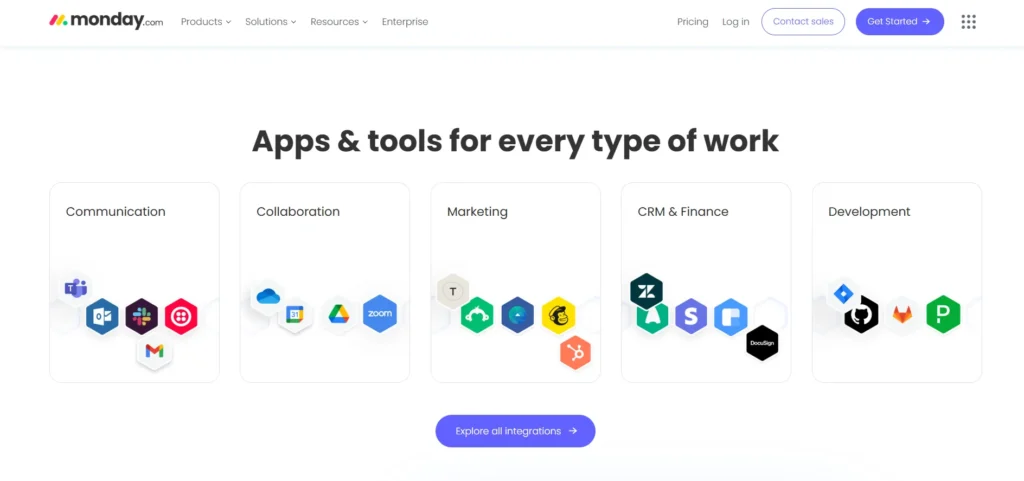
monday.com integrates seamlessly with over 200 popular tools, including Slack, Google Workspace, Microsoft Teams, Dropbox, and Zoom. These integrations allow teams to connect their existing tools to monday.com, streamlining workflows and enhancing productivity.
Additionally, monday.com has a vast app marketplace, where you can find specialized apps to extend the functionality of the platform. Whether you’re looking for a way to enhance communication, automate more tasks, or integrate with other business systems, monday.com’s integration and app ecosystem provides the flexibility to customize the platform to fit your needs.
Ease of Use
When it comes to project management software, ease of use is crucial for ensuring smooth adoption and efficient collaboration. monday.com excels in this area, offering a platform that’s intuitive, user-friendly, and accessible to teams of all sizes. Whether you’re a beginner or an experienced project manager, monday.com’s simple interface makes getting started a breeze.
monday.com Is Easy Enough for the Whole Team to Get on Board
One of the best things about monday.com is its ease of use. The platform’s intuitive design makes it easy for teams to get started quickly, regardless of their experience level. New users don’t need to be tech-savvy to navigate the platform, and the learning curve is relatively short.
With its drag-and-drop interface, custom fields, and visual layouts, monday.com offers a smooth user experience that can be customized to fit each team’s needs.
Getting Started With monday.com
Getting started with monday.com is a breeze. As soon as you sign up, you’re greeted with a guided onboarding process. This includes step-by-step tutorials, helpful tips, and templates to make your transition into the platform seamless.
Additionally, monday.com provides a 14-day free trial of its Pro plan, which allows you to test out all the premium features before committing to a paid plan. This gives you the opportunity to explore the platform’s capabilities without any risk.
A Beginner-Friendly User Interface
monday.com is known for its clean and user-friendly interface. The layout is simple, with easy-to-understand icons and a straightforward design. The color-coded boards help users quickly identify the status of tasks and projects.
The dashboard is designed to provide users with a quick snapshot of ongoing projects, deadlines, and assigned tasks. It’s easy to access all your boards, templates, and projects from the main screen, ensuring that you never get lost in the platform.
Advanced Reporting and Analytics Tools
For teams that need in-depth insights into their project’s performance, monday.com offers powerful reporting and analytics tools. You can generate custom reports based on various project metrics, such as task completion rates, team performance, and project timelines.
Additionally, monday.com allows you to create custom dashboards where you can visualize data in charts, graphs, and other visual formats. These tools help teams stay on top of progress and ensure that everything is on track.
Collaboration Tools
Effective collaboration is at the heart of successful project management, and monday.com offers an extensive array of tools designed to foster seamless communication and teamwork. From real-time updates to integrated file sharing, the platform ensures that everyone on the team stays aligned and connected throughout the project lifecycle.
Plenty of Tools to Collaborate & Connect with Colleagues
Collaboration is key to project success, and monday.com offers plenty of tools to facilitate communication and collaboration among team members:
- Comments: Team members can leave comments on tasks to communicate progress, ask questions, or provide feedback.
- Mentions: You can mention other team members within comments to bring specific tasks to their attention.
- Updates: monday.com allows you to post updates on tasks, ensuring everyone is aware of any changes in real-time.
These features make it easy for teams to stay aligned and ensure that nothing falls through the cracks.
Team Dashboard & Communication
monday.com’s team dashboard acts as a central hub for communication and collaboration. It provides an overview of all ongoing projects and tasks, ensuring that everyone on the team is on the same page. It also highlights any upcoming deadlines, so nothing gets overlooked.
File Sharing
With monday.com, you can attach files directly to tasks, ensuring that all the necessary documents, images, and other resources are easily accessible. This eliminates the need for endless email chains or searching through multiple platforms for files.
Mobile App
For teams on the go, monday.com’s mobile app is a game-changer. Available for both iOS and Android, the app allows users to manage tasks, communicate with teammates, and get updates on projects from anywhere.
The mobile app includes many of the features available on the desktop version, such as task management, notifications, and file sharing. This ensures that your team stays productive, even when they’re away from their desk.
Brainstorm and Collaborate With WorkCanvas
The WorkCanvas feature allows teams to brainstorm, plan, and collaborate visually. It’s a great tool for those creative brainstorming sessions where you need to map out ideas and organize your thoughts. The ability to collaborate in real-time on a virtual whiteboard makes it easier for teams to come together and generate ideas.
Support
When it comes to customer support, monday.com excels in providing users with multiple avenues to get assistance. Whether you’re a beginner or an experienced user, you can rely on their responsive support system to help resolve any issues. The platform ensures you have the tools you need for a smooth experience.
Good Response Times and Multiple Support Options
When it comes to support, monday.com delivers excellent service. Users can access help in several ways:
- Live Chat: Reach out to monday.com’s support team for real-time assistance.
- Email Support: For more detailed inquiries, you can contact the team via email.
- Help Center: monday.com offers a robust help center with a vast collection of articles, guides, and FAQs to answer any questions you might have.
monday.com’s support team is known for being responsive and helpful, ensuring that any issues are addressed promptly.
Pricing
When it comes to pricing, monday.com offers a range of plans designed to accommodate teams of all sizes and budgets. Whether you’re just starting with a small team or running a large organization, there’s a plan that provides the right mix of features, support, and scalability for your needs.
Plenty for Larger Businesses, but Tricky For Those On Tight Budgets
monday.com offers a wide range of pricing plans to cater to teams of all sizes. Here’s an overview of its pricing structure:
- Free Plan: Available for up to 2 users. It includes basic features such as task management, 1 board, and a limited number of integrations.
- Basic Plan: $8 per user per month. This plan is suitable for small teams and includes unlimited boards, 5GB of file storage, and basic integrations.
- Standard Plan: $10 per user per month. This plan offers additional features, including timeline views, calendar views, and more advanced integrations.
- Pro Plan: $16 per user per month. The Pro plan includes features like time tracking, private boards, and advanced reporting.
- Enterprise Plan: Custom pricing for large teams. It includes enterprise-grade security, dedicated support, and more advanced features tailored to large organizations.
For teams with tight budgets, the free and Basic plans offer great value. However, larger teams or those requiring advanced features may find the Pro and Enterprise plans better suited to their needs.
Conclusion
monday.com continues to be one of the best project management tools on the market in 2025. Its rich set of features, ease of use, flexibility, and collaboration tools make it a standout platform for teams of all sizes. While the pricing may be a consideration for smaller businesses, the value it provides in terms of time saved and increased productivity makes it well worth the investment for many organizations.
FAQs
Is monday.com suitable for small businesses?
Yes, monday.com offers a free plan and affordable paid plans that cater to the needs of small businesses, providing essential project management tools without a significant financial commitment.
Can monday.com integrate with other tools?
Absolutely. monday.com integrates with over 200 tools, including Slack, Google Workspace, Microsoft Teams, and Zoom, allowing teams to connect their existing workflows seamlessly.
Does monday.com offer mobile access?
Yes, the monday.com mobile app is available for both iOS and Android devices, enabling teams to manage tasks and collaborate on the go.
Are there training resources available for new users?
Yes, monday.com provides a range of training resources, including tutorials, webinars, and a knowledge base, to help new users get acquainted with the platform.
How does monday.com handle data security?
monday.com employs industry-standard security measures, including encryption and regular security audits, to ensure the safety of user data. It also complies with regulations such as GDPR and offers features like two-factor authentication.